配置系统Google Authenticator 登录认证
zhupengfei@debian10:~$ sudo apt update && sudo apt install libpam-google-authenticator -y # 服务器安装 Google Authenticator
zhupengfei@debian10:~$ google-authenticator #配置 Google Authenticator向导

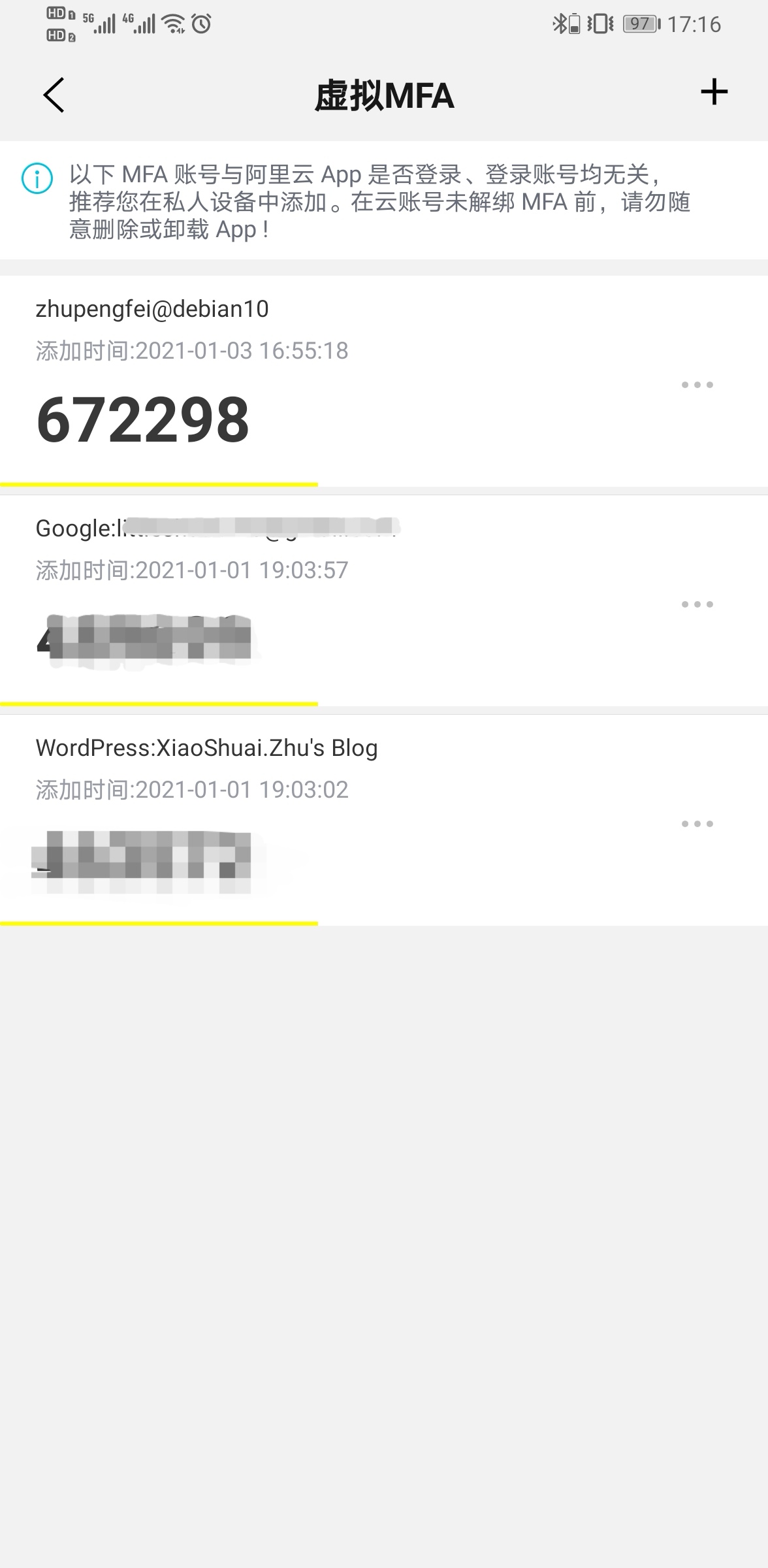
Do you want authentication tokens to be time-based (y/n) y # 回答完此问题后,会出现二维码、Key,还有备用码,用手机的 Google Authenticator 扫描二维码或手动键入 Key,即可添加二步验证码,另外保存好备用码到一个安全的地方,以防手机丢失
Do you want me to update your "/home/zhupengfei/.google_authenticator" file? (y/n) y

Do you want to disallow multiple uses of the same authentication
token? This restricts you to one login about every 30s, but it increases
your chances to notice or even prevent man-in-the-middle attacks (y/n) y

By default, a new token is generated every 30 seconds by the mobile app.
In order to compensate for possible time-skew between the client and the server,
we allow an extra token before and after the current time. This allows for a
time skew of up to 30 seconds between authentication server and client. If you
experience problems with poor time synchronization, you can increase the window
from its default size of 3 permitted codes (one previous code, the current
code, the next code) to 17 permitted codes (the 8 previous codes, the current
code, and the 8 next codes). This will permit for a time skew of up to 4 minutes
between client and server.
Do you want to do so? (y/n) n

If the computer that you are logging into isn't hardened against brute-force
login attempts, you can enable rate-limiting for the authentication module.
By default, this limits attackers to no more than 3 login attempts every 30s.
Do you want to enable rate-limiting? (y/n) y

zhupengfei@debian10:~$ sudo vim /etc/ssh/sshd_config
ChallengeResponseAuthentication yes
AuthenticationMethods ~~publickey,~~keyboard-interactive

zhupengfei@debian10:~$ sudo vim /etc/pam.d/sshd
#@include common-auth
auth required pam_google_authenticator.so

zhupengfei@debian10:~$ sudo systemctl restart sshd
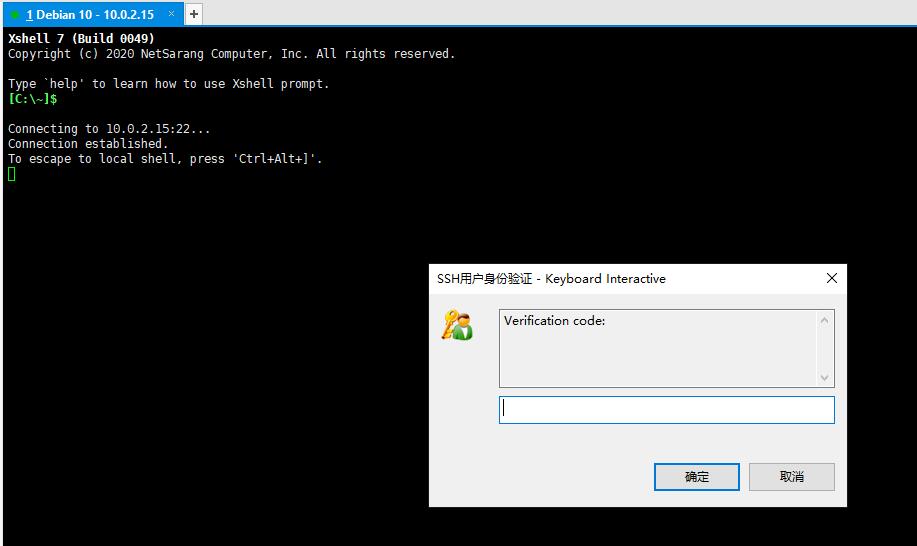
验证访问